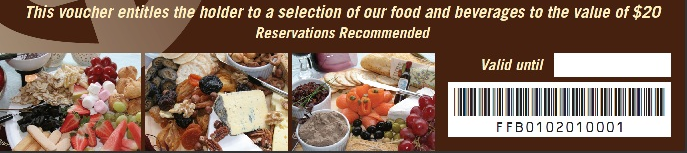
Gift Vouchers and Credit Notes both use Scan Codes to track and validate at the time of redemption.
When using this feature, a barcode will be printed at the bottom of the receipt that will track the Gift Voucher or Credit Note when it is redeemed.
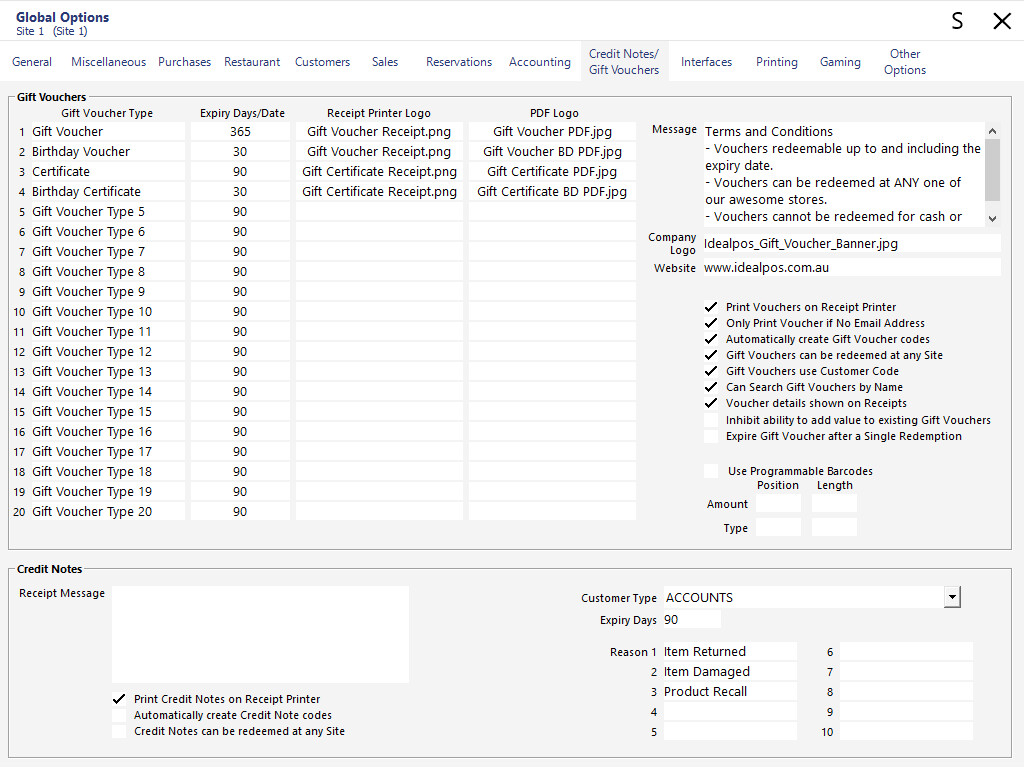
You can enable the barcode printing option by going to: Back Office > Setup > Global Options > Credit Notes/Gift Vouchers.
Programmable Bar Codes (Gift Vouchers Only)
Select to ‘Use Programmable Barcodes’ > Select ‘Position’ and ‘Length’ for both ‘Amount’ and ‘Type’.
E.g. – Gift Voucher Type = Extract code from position _4_ length of _2_
Gift Voucher Amount = Extract code from position _6_ length of _3_
In Idealpos sell a Gift Voucher. In the Gift Voucher screen scan one of your vouchers.